Smart Home Devices That Are Actually Useful
A useful smart home starts with a real need: a lamp that is hard to reach, a warning about a leaking washer or a heating schedule that is hard to manage. This guide compares devices based on reliability, privacy, cost and what happens when the network fails.
Before you begin
- Check the space and list the main problem.
- Read product labels and measure before making changes.
- Set aside time to clean up and review the result.
1. Start with one real household problem
Begin with a problem such as a lamp left on, a hard-to-reach switch or a possible water leak. Write down how a connected device would help. If the same job is easy with a simple timer or manual control, smart gear may not be worth the price.
What to check
Look at the part of the room or product used each day before changing anything. Make the test specific to the idea above. Keep the result only when it improves access, comfort or safety, and note what you would do differently next time. Do not change wires, building structure or chemical instructions to force a result.
2. Check Wi-Fi coverage and reliability
Smart devices depend on wireless coverage and power. Test Wi-Fi where you plan to place the device, especially in a basement or behind thick walls. Check whether the product works when the internet is down. A smart lock or light should still have a usable fallback.
When to stop
Check measurements, labels and compatibility; a quick purchase can create a new problem. Make the test specific to the idea above. Keep the result only when it improves access, comfort or safety, and note what you would do differently next time. Do not change wires, building structure or chemical instructions to force a result.
3. Compare smart plugs with smart switches
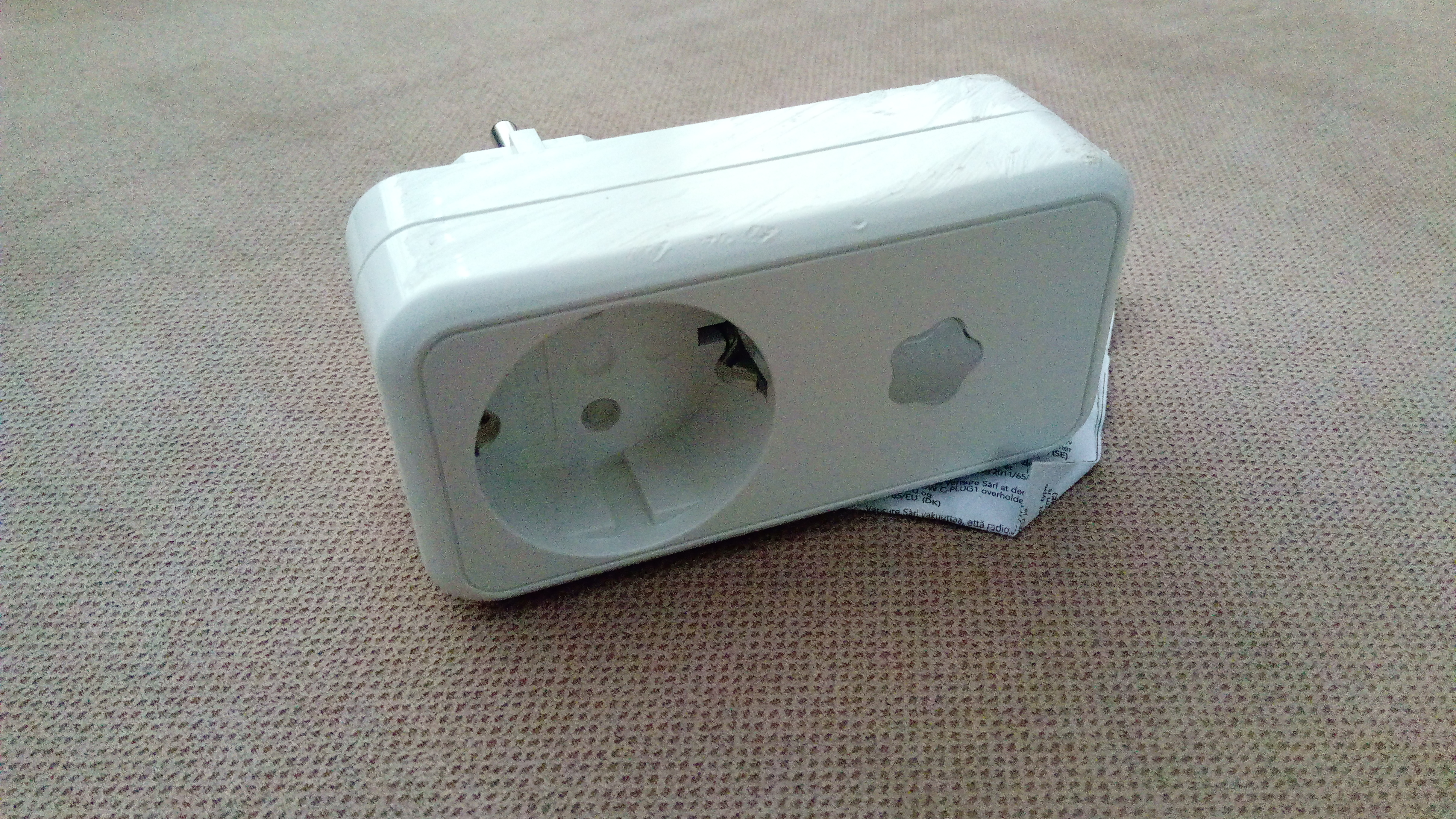
A smart plug is helpful for a suitable lamp or small device. It is not a safe way to control every heater or high-load appliance. Read the electrical ratings and manufacturer limits. A smart switch may need neutral wiring and professional installation. Choose based on the circuit.
A practical next step
Try a reversible adjustment, then judge it after a full week of ordinary use. Make the test specific to the idea above. Keep the result only when it improves access, comfort or safety, and note what you would do differently next time. Do not change wires, building structure or chemical instructions to force a result.
4. Decide whether smart bulbs make sense
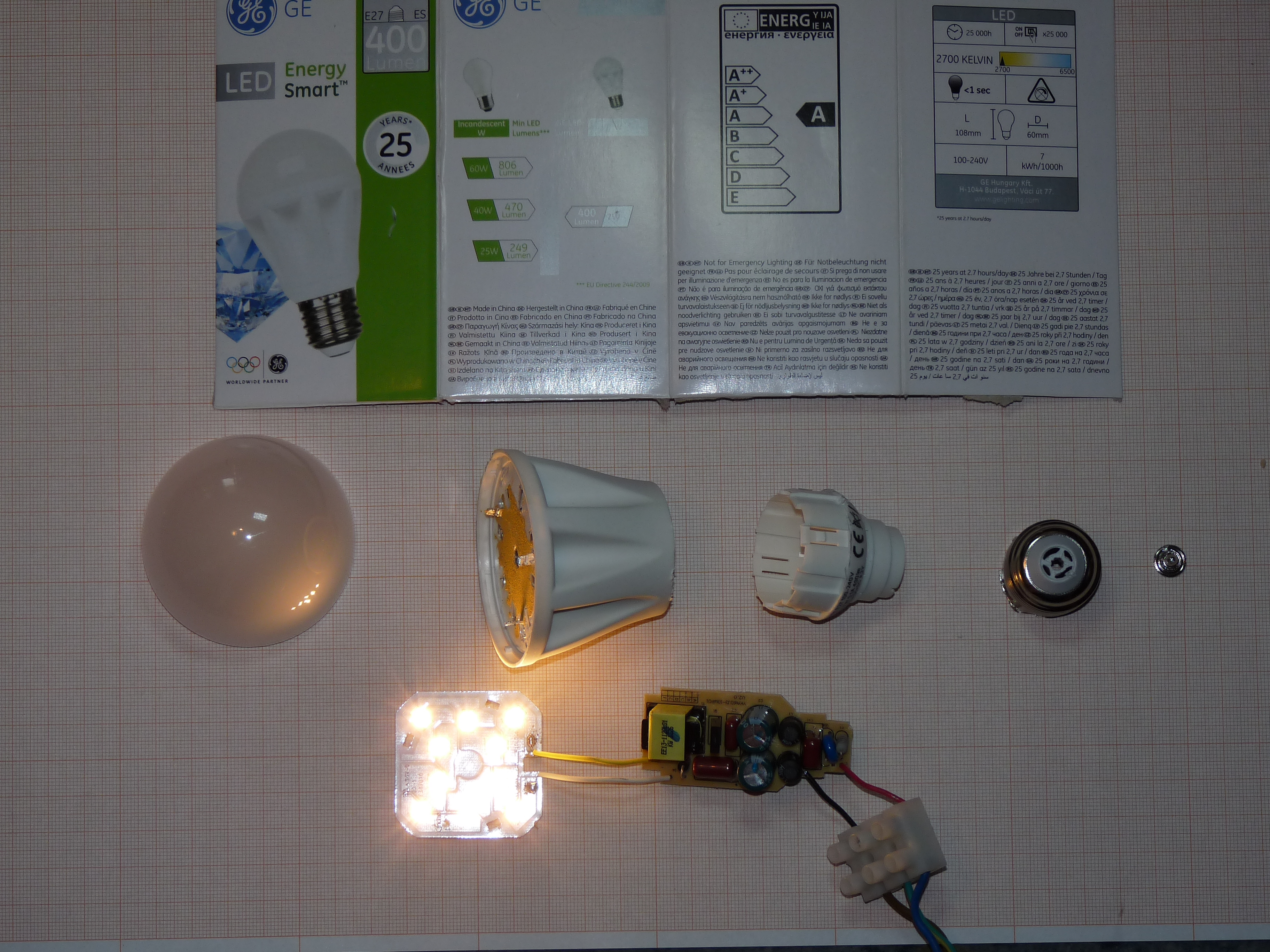
Smart bulbs suit renters because many fit existing lamp sockets. But turning off a wall switch can make remote controls stop working. Ask whether everyone at home will find the setup convenient. Match bulb type, brightness and fixture rating before buying.
A realistic test
Plan for maintenance and safe access, not just the first day the change looks new. Make the test specific to the idea above. Keep the result only when it improves access, comfort or safety, and note what you would do differently next time. Do not change wires, building structure or chemical instructions to force a result.
5. Understand smart thermostats
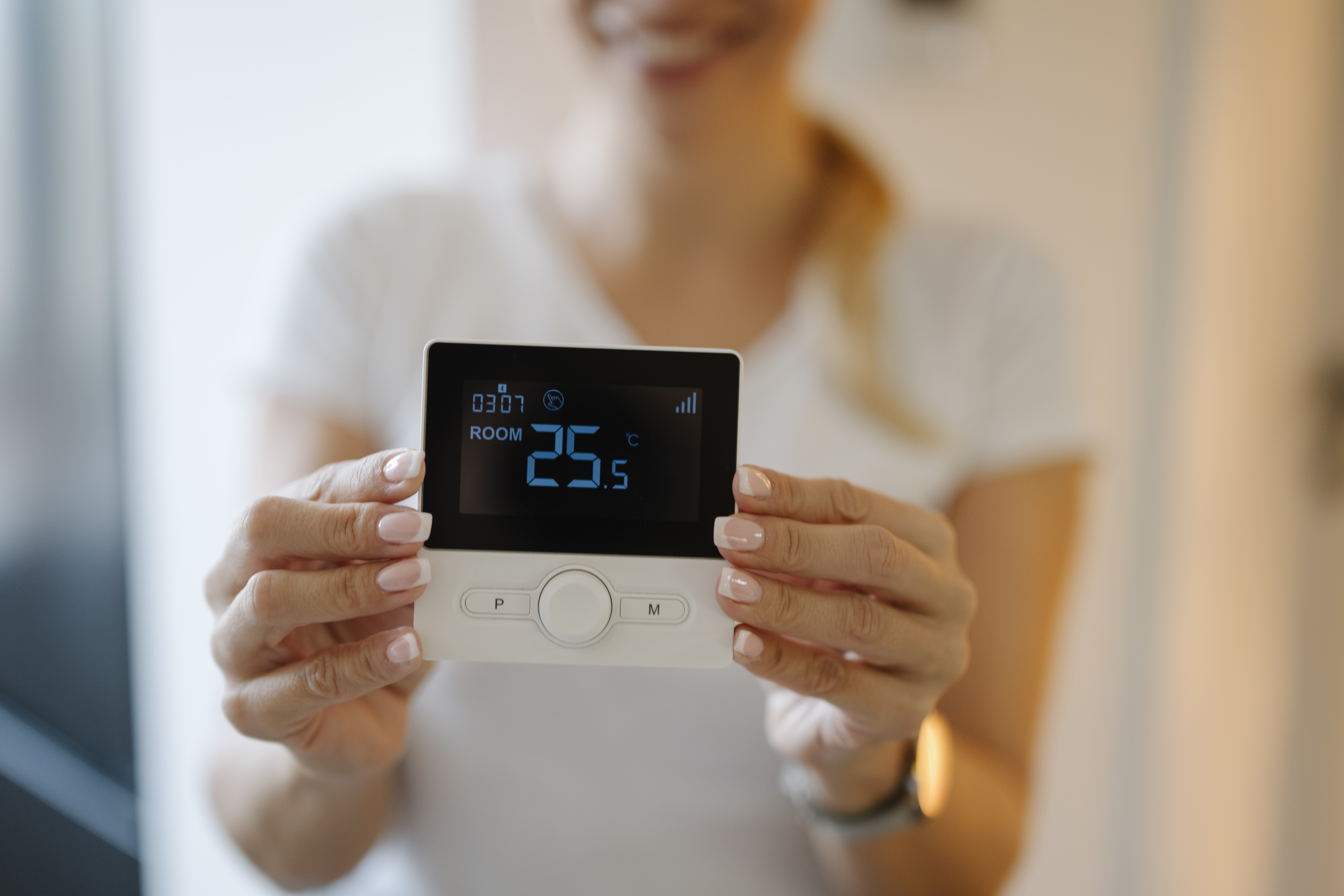
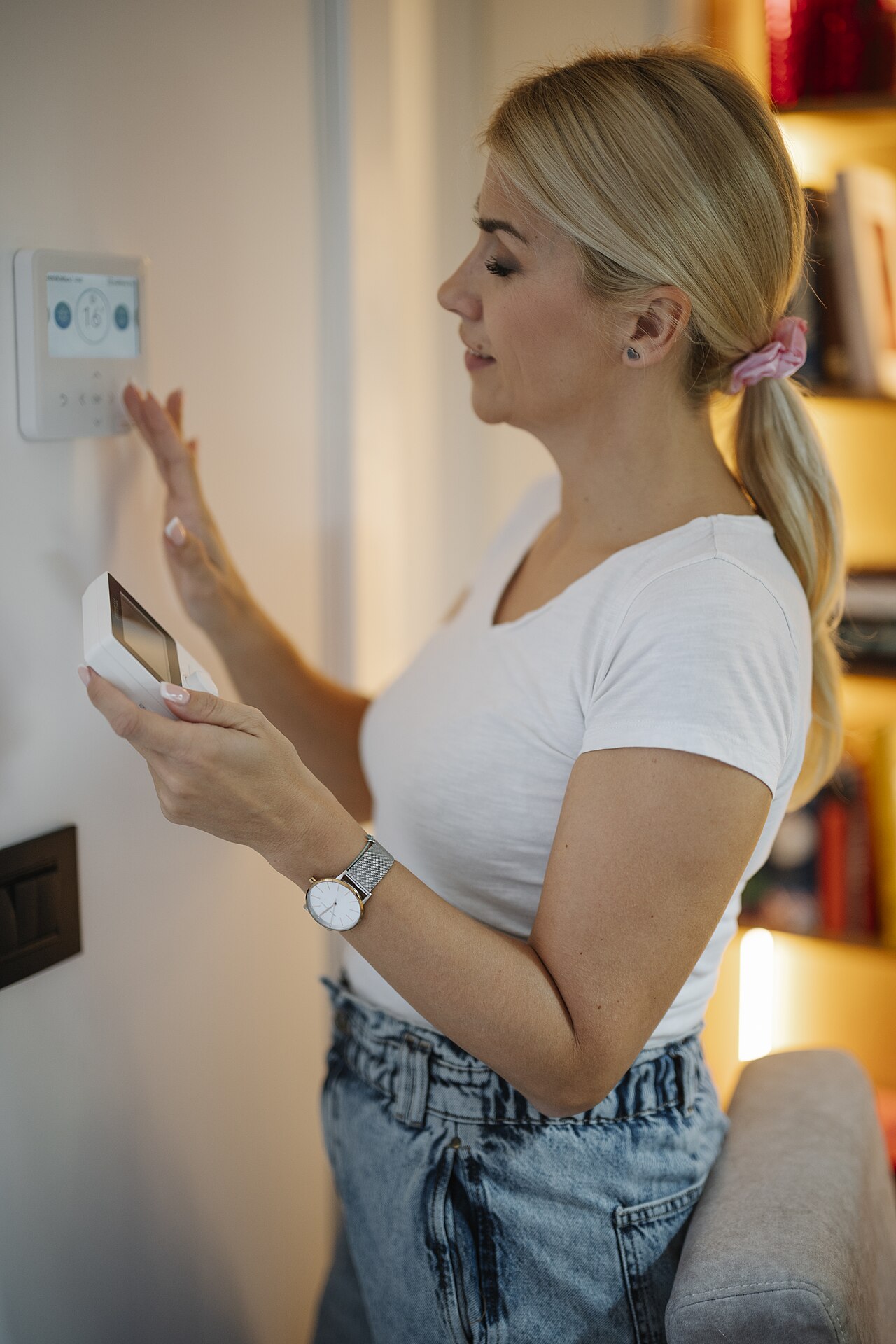
A smart thermostat can help manage heating and cooling schedules, but compatibility matters. Check the HVAC system and wiring before ordering. ENERGY STAR says certified models save about 8% of heating and cooling costs on average; an individual home may differ.
What to check
Think about children, pets and other household members before choosing a setup. Make the test specific to the idea above. Keep the result only when it improves access, comfort or safety, and note what you would do differently next time. Do not change wires, building structure or chemical instructions to force a result.
6. Consider water leak sensors
A leak sensor under a sink or near a washing machine may give an early warning. It does not repair a cracked hose or stop water unless connected to a supported shutoff system. Test notifications, battery alerts and the connection before relying on it.
When to stop
If the change affects safety-critical equipment or hidden building parts, seek professional help. Make the test specific to the idea above. Keep the result only when it improves access, comfort or safety, and note what you would do differently next time. Do not change wires, building structure or chemical instructions to force a result.
7. Use door and window sensors sensibly
Door and window sensors can tell you whether an opening is left ajar. They are useful for reminders but should not be treated as a complete security system. Check mounting surfaces, privacy settings and whether pets or shifting frames trigger false alerts.
A practical next step
Compare the cost of the fix with the problem it solves; more gear is not always better. Make the test specific to the idea above. Keep the result only when it improves access, comfort or safety, and note what you would do differently next time. Do not change wires, building structure or chemical instructions to force a result.
8. Review smart smoke and safety products
Only buy smoke and carbon monoxide alarms approved for their intended safety role. Smart notifications are an extra feature, not a substitute for correct installation, testing or battery care. Follow local requirements and manufacturer instructions. Ask a specialist when wiring is involved.
A realistic test
Look at the part of the room or product used each day before changing anything. Make the test specific to the idea above. Keep the result only when it improves access, comfort or safety, and note what you would do differently next time. Do not change wires, building structure or chemical instructions to force a result.
9. Think twice before installing indoor cameras
Indoor cameras bring a serious privacy choice. Think about where recordings go, who can view them, whether audio is captured and how long clips stay online. Avoid private rooms and make household members aware of recording. A door sensor may solve the same problem with less data.
What to check
Check measurements, labels and compatibility; a quick purchase can create a new problem. Make the test specific to the idea above. Keep the result only when it improves access, comfort or safety, and note what you would do differently next time. Do not change wires, building structure or chemical instructions to force a result.
10. Plan device privacy settings
Change default passwords, turn on multi-factor sign-in where available and install security updates. Review permissions such as microphone, location and cloud storage. Use trusted products with clear support policies. Retire devices that no longer receive patches if they expose sensitive data.
When to stop
Try a reversible adjustment, then judge it after a full week of ordinary use. Make the test specific to the idea above. Keep the result only when it improves access, comfort or safety, and note what you would do differently next time. Do not change wires, building structure or chemical instructions to force a result.
11. Check app support and updates
Before buying, check whether the company still offers updates for older models. A low price matters less if the app stops working next year. Ask whether features require a paid subscription and whether the device can run locally. Keep purchase and warranty details.
A practical next step
Plan for maintenance and safe access, not just the first day the change looks new. Make the test specific to the idea above. Keep the result only when it improves access, comfort or safety, and note what you would do differently next time. Do not change wires, building structure or chemical instructions to force a result.
12. Make automation easy for guests
An automation should make life easier for guests and children too. A lamp that only works through one person’s phone is frustrating. Keep clear physical controls, label switches and test what happens during an internet outage. Remove confusing routines after a week of use.
A realistic test
Think about children, pets and other household members before choosing a setup. Make the test specific to the idea above. Keep the result only when it improves access, comfort or safety, and note what you would do differently next time. Do not change wires, building structure or chemical instructions to force a result.
13. Work out total ownership cost
Add the device price, batteries, subscriptions, replacement parts and possible electrician fees. If it saves two small taps a week, the cost may not make sense. Compare a basic alternative before buying. A smart-home budget works best when tied to a specific household need.
What to check
If the change affects safety-critical equipment or hidden building parts, seek professional help. Make the test specific to the idea above. Keep the result only when it improves access, comfort or safety, and note what you would do differently next time. Do not change wires, building structure or chemical instructions to force a result.
14. Keep manual controls where possible
Keep normal controls wherever safety and comfort depend on them. People should be able to turn on a light or adjust heating even when a phone is unavailable. Test that fallback with the Wi-Fi switched off. Smart equipment should support a home, not hold it hostage.
When to stop
Compare the cost of the fix with the problem it solves; more gear is not always better. Make the test specific to the idea above. Keep the result only when it improves access, comfort or safety, and note what you would do differently next time. Do not change wires, building structure or chemical instructions to force a result.
Safety and source guidance
Do not replace certified life-safety alarms with unverified gadgets; use professional help for mains wiring. For related public guidance, consult ENERGY STAR. This source is especially useful when the job involves buying for real use, privacy, and fallback controls. Requirements vary by building, product and location, so check local rules and instructions before you start.
What the energy data actually shows
ENERGY STAR estimates that an ENERGY STAR certified smart thermostat saves a typical household about 8% on heating and cooling bills, or around $50 per year. This is an average, not a guarantee. It depends on climate, how the home is used, and the heating system. Check the system’s compatibility before buying a device.
Final takeaway
Choose the change that removes the most common daily problem. Keep the process easy to repeat. Record the result and adjust it after a few days of use. Stop when a task involves hidden damage or a safety-critical system, and ask a qualified person for support.
Featured photo source: Wikimedia Commons file details and attribution. Image resized for web use.
Featured photo: Wikimedia Commons source and credits.
ENERGY STAR reports that a certified smart thermostat saves a typical household about 8% on heating and cooling bills, around $50 per year, on average. Actual savings vary.
Common smart home questions
What should I buy first?
Start with one device that addresses a real issue, not a complete kit. Check compatibility, product updates and manual fallback before expanding.
Do smart thermostats always save money?
No. ENERGY STAR reports about 8% average heating and cooling bill savings for certified smart thermostats, but your results will depend on climate and use.
Example: choosing a smart device for a first apartment
Suppose a tenant leaves a desk lamp on after work. A plug-in timer may be enough. A smart plug offers phone control and schedules, but it also needs a supported network and software updates. Before buying, check the lamp’s power rating against the plug, whether the device has a physical control, and whether it needs a cloud account. Try one device rather than automating every light.
Now consider a leak sensor. Placing one in a dry spot below a washing machine may provide useful warning if water appears. Yet a sensor only helps if someone sees the alert and acts. Test the alarm, check battery warnings and make sure the tenant knows how to shut off water or contact building management. A device with a subscription that expires or weak Wi-Fi coverage may be less useful than expected.
For a thermostat, confirm that the heating system supports the model before purchasing. ENERGY STAR’s approximately 8% average heating and cooling bill saving for certified smart thermostats is based on qualifying devices, not every gadget sold as smart. Actual savings depend on usage and climate. Privacy also belongs in the purchase decision: avoid giving devices unnecessary access to microphones, cameras or location data.